
Advertisement feature
Every small business has them: the tasks that never quite go away.
Replying to the same enquiries, chasing the same information, updating the same records. None of it is difficult, but all of it takes time, and that time is rarely spent on winning customers or improving the service.
For owners and directors already stretched thin, repetitive work is one of the quietest costs in the business. It never appears on a balance sheet, yet it is paid for every day in hours that could have gone elsewhere.
Why Many Businesses Hold Back
Most business owners already know AI could help. The hesitation is usually practical.
Setting up an AI agent can feel like a technical project, and many small businesses have no IT team to lead it. Once it is running, someone has to keep it online, up to date and working reliably, or it simply stops.
Then there is security. An agent running on a personal laptop can reach everything its owner can, including saved passwords and private files. For a business handling client and financial data, that is a reasonable thing to worry about.
So the tool stays on the “one day” list, and the repetitive work carries on.
What an AI Agent Actually Does
An AI agent is best thought of as a digital assistant that works on your behalf. You give it a task and it gets on with it, instead of waiting for you to type every instruction.
It can be connected to the tools a business already uses, such as messaging apps like WhatsApp and Slack, so people can ask it for help in the places they already work.
In practice, a business might use one to sort new enquiries overnight, so that draft replies are waiting when the team starts work. It could pull last week’s sales, website traffic and support emails into a short summary that lands with the owner every Monday morning. When a supplier invoice arrives, it might pick out the amount and due date and set up a draft bill, ready for approval. And when a quote has gone unanswered for five days, it can notice and prepare a polite follow-up.
This requires close to no supervision. The agent gets on with the work in the background, verified and approved by an individual. The aim is not to replace people, but to take the repetitive groundwork off them.
Which tasks suit an agent will differ from one business to the next. A sensible starting point is a job that is dull, frequent and easy to describe.
Risks of Running AI Agents Yourself
Running an agent yourself can look like the cheaper option. The costs tend to show up later.
Even a straightforward setup can take an hour or two when everything goes to plan, and an agent only helps while it is running. Power cuts, network drops and full storage all switch it off, usually when no one is watching.
Updates bring their own risk. A new version can change how the agent behaves, or stop it working altogether, and someone has to notice and fix it.
Finally, there is the question of separation. An agent sharing a machine with everyday work has no clear boundary between its tasks and the rest of the business.
None of this is a reason to avoid AI. It is a reason to decide who looks after it.
A Managed Route to AI Agents
A managed service takes the setup, hosting and upkeep off the business, so the owner can concentrate on what the agent is for.
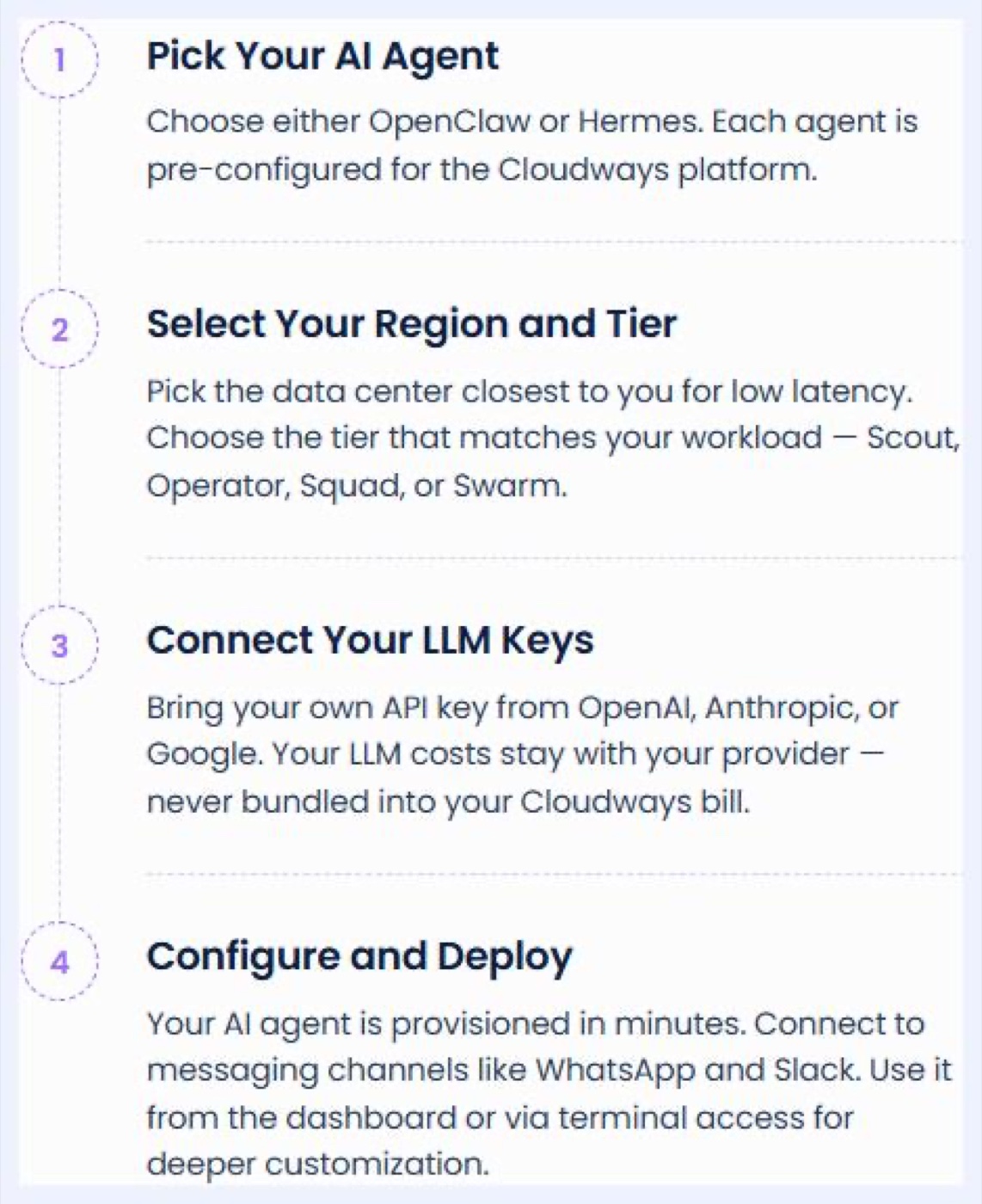
Cloudways Managed AI Agents works in 4 steps:
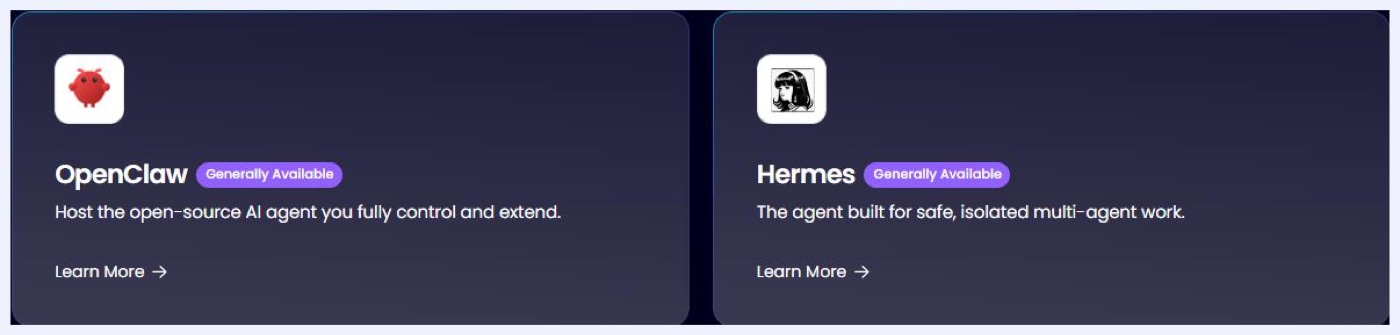
1) A business chooses its agent, either OpenClaw or Hermes. OpenClaw is built around channel connectivity, agent routing, and extensibility, while Hermes focuses on persistent memory and a learning loop that turns recurring tasks into reusable skills. Both can support more complex workflows and delegate work, but their core approaches differ.
2) It then picks a region and a size to suit the workload, and 3) connects its own API key from a provider such as DO, OpenRouter, OpenAI, Anthropic or Google, while allowing for the existing subscription to be used. Those AI usage costs stay with the provider and are not bundled into the hosting plan.
The agent is then set up in minutes and can be 4) connected to messaging channels such as WhatsApp, Slack, Discord and others.
Behind the scenes, each agent runs on its own isolated instance, so it can reach only what you connect to it.
It tests every new OpenClaw and Hermes release before rolling it out, and if an update still breaks something, you can roll the agent back to its last working state in minutes. Daily backups and SSL run in the background.
What to Check Before You Commit
Whichever route a business takes, a few questions are worth settling before any agent goes live.
1. Control
Ask how much visibility you keep. With Cloudways, businesses can choose their region, see the server specifications and use terminal access if they want deeper control.
2. Data
Ask where your information is stored and what happens to it if you delete the agent. Check what the agent can and cannot reach, and look for a provider that keeps your agent’s files and configuration separate from other customers.
3. Cost
Ask what the monthly bill actually covers. Cloudways says customers pay only for the server they run, with no bundled credits or renewal penalties, while LLM usage is billed separately by the provider.
4. Lock-in
Ask what it takes to leave. Cloudways states there are no annual lock-ins, so a business can try an agent and stop if it doesn’t fit. And during Cloudways Black Friday and Cyber Monday promotion, you can try the agents at 80% off for two months, using the code BFCM802.

Start Small, Then Build
The most practical way into AI is rarely a grand programme. It is one repetitive job, handed to one agent, with someone keeping an eye on the result.
If it helps, the business can widen the scope. If it doesn’t, little has been lost. Either way, the owner learns what works before committing further.
The hours that repetitive tasks consume will not come back by themselves. A managed agent is one way to start winning some of them back, without turning a small business into an IT department.
To find out more about Cloudways Managed AI Agents, visit Cloudways Managed AI Agents.